
subtitle

Quick Connect

subtitle

Generate WhatsApp Links & QR
Codes Instantly

Create free WhatsApp links and QR codes in 3 easy steps. Share across platforms and start conversations instantly.
Easy Steps

How to Create WhatsApp Links

Follow these 3 simple steps to start engaging customers directly on WhatsApp.

1. Enter Your Number

Select your country and input the WhatsApp number where you want to receive messages.

2. Add Custom Message

Pre-fill your users’ message so they know what to ask or say instantly.

3. Generate & Share

Click “Generate Link” to get your custom WhatsApp URL and scannable QR code.

Why AI based Chatbot

Benefits

Why WhatsApp Links Are Powerful for Business Growth

From lead capture to real-time chats, here’s why sharing your WhatsApp link boosts results fast.

Bookmark-1.png
Direct Contact

Instant messaging, ideal for showing direct WhatsApp conversations without redirecting user.

Popup-1.png
Lead Capture

Captures user details like name and number, symbolizing instant lead generation.

Play-1.png
Boost Engagement

Reflects increased real-time conversations and dynamic user engagement.

Opt-in-Form-1.png
Add to CRM

Icon indicates user info being stored or synced into a contact or CRM system.

Heart-1.png
Easy Sharing

Perfect symbol for sharing links across multiple platforms and formats easily.

Chart-Pie-1.png
Encourage Saves

Indicates saving your contact info or number for ongoing interaction and trust-building.

Where to Use WhatsApp Links

Share your WhatsApp link across multiple platforms to capture leads and boost support.

subtitle

Built-In Billing

subtitle

Everything You Need to Get Paid on WhatsApp

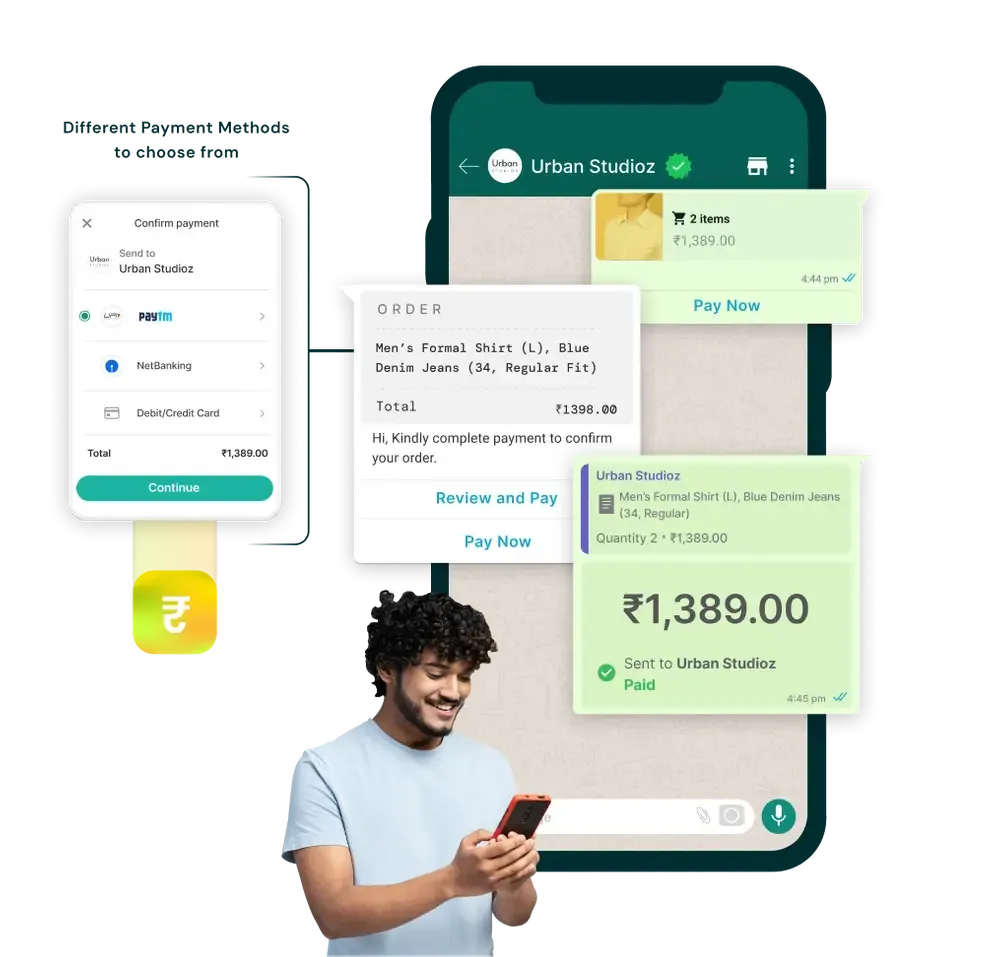
Seamlessly manage, send, and track payments directly within GiHub’s live chat or chatbot automation flows.

Send Payment Links in Chat

Easily share payment links in live chats or chatbot replies to collect instantly via WhatsApp.
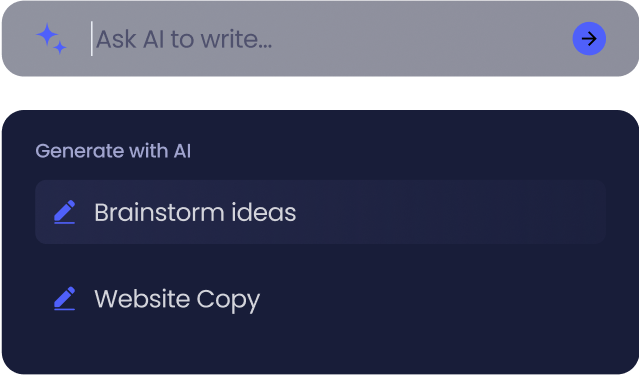
Smart Payment Tracking

Track paid, pending, and failed transactions in real time, auto-trigger follow-ups based on status.
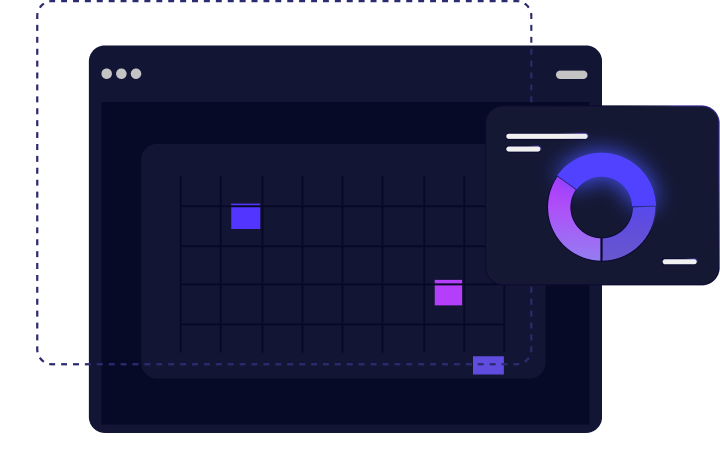
View Status from Profiles

Check payment history and order value for every user right inside their profile timeline.

Unified Payment Dashboard

View and manage all WhatsApp payments in one place, sorted by amount, user, or time.
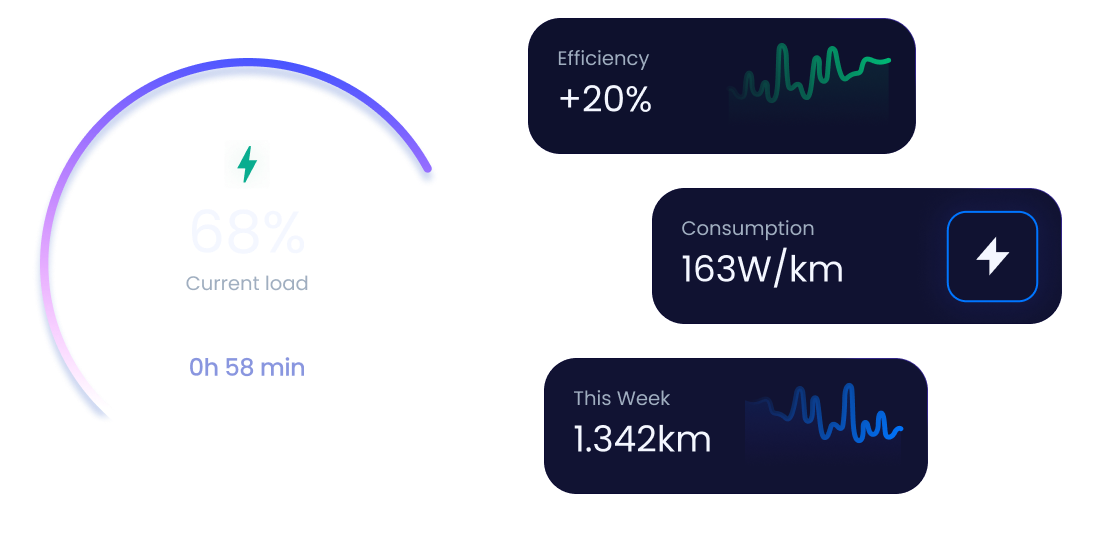
Payment Gateway Integrations

Connect Razorpay, PayU, ZaakPay and more, without coding or switching tabs.

Core Tools

What You Can Do With GIHub's No-Code Chatbot

Use ready-made blocks and smart conditions to build powerful WhatsApp automation flows for marketing, customer support, or lead generation, no coding needed, just drag, drop, and deploy in minutes.
Drag & Drop

Build flows visually with drag-and-drop blocks.

Smart Routing

Route users to agents or next steps based on replies.

Auto Responses

Trigger replies instantly based on messages or buttons.

Form Support

Collect structured data like email, phone, or location via chat.

Multilingual Support

Respond to users in their preferred regional language.

API Integration

Fetch or send data using third-party tools or systems.
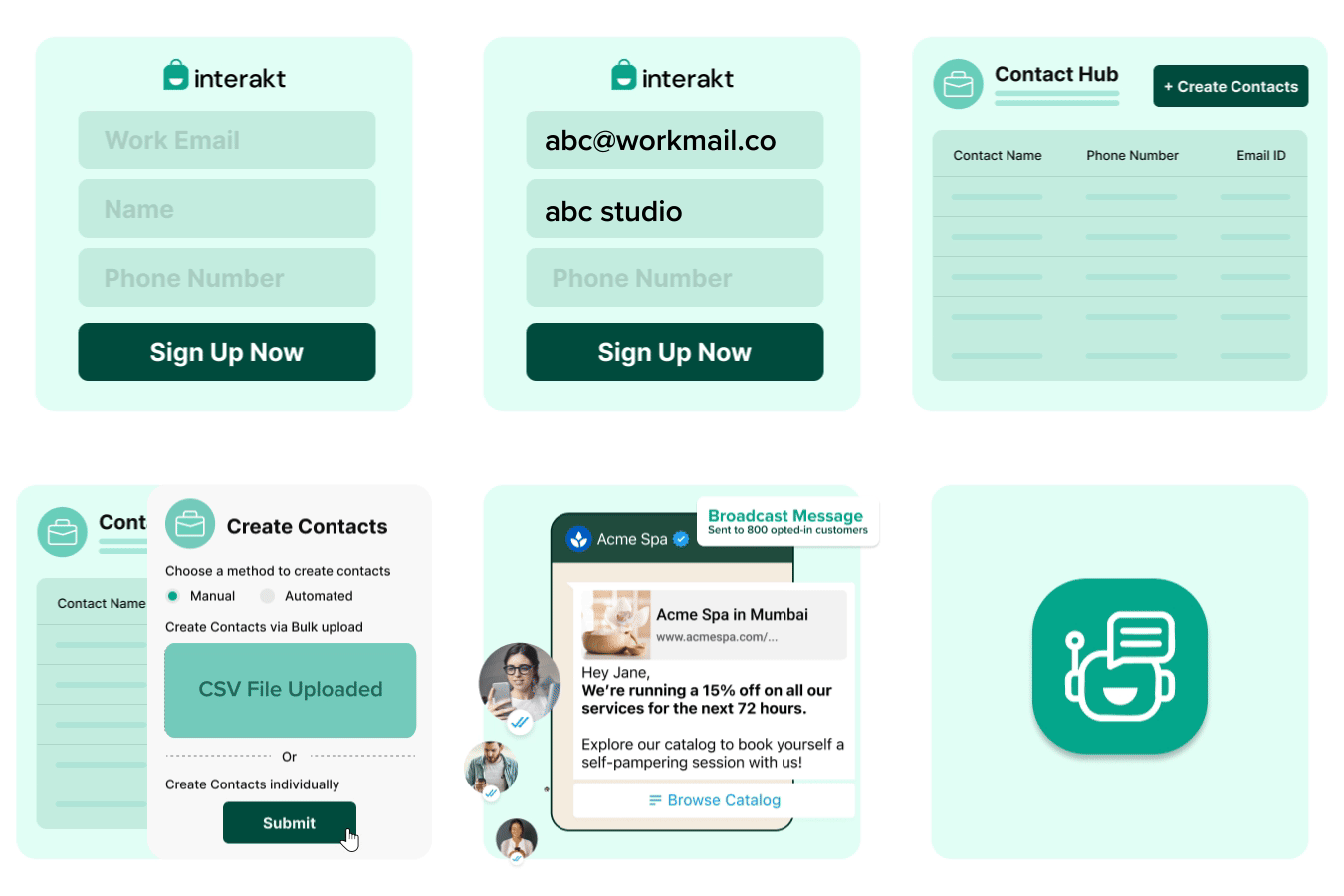
Let the AI read and understand your products, services, FAQs, or knowledge base instantly.

We map your tone, keywords, and language to help the bot mimic real human replies.

Plug into your GiHub-powered WhatsApp Business API, ready to chat in minutes.

Review queries, fine-tune responses, and let the AI learn from real customer feedback.
subtitle

Quick Help

subtitle

Common Questions About
WhatsApp Payments

Here are the top questions business owners ask before launching
WhatsApp-based payment flows with GiHub.

It’s a free tool to create clickable links that open WhatsApp with a pre-filled message. You can also generate QR codes to share on print or online.

Yes! You can use emojis and even bold, italic, and formatted WhatsApp text in the default message field.

Absolutely. GiHub’s WhatsApp link generator is 100% free, with no login or signup required.

Anywhere, your website, ads, Instagram bio, YouTube description, packaging, flyers, or email footers.

Yes, if you’re using GiHub CRM, the user’s name and number are captured when they send a message.

Yes. You can create as many links with different custom messages as you like.

Yes. Just make sure it’s linked to an active WhatsApp account.

Yes. The tool works seamlessly on mobile devices and desktop browsers.

This tool is for generating links, not automations. API adds advanced flows, campaigns, and CRM integrations.

Yes. Along with the link, we provide a free scannable QR code for offline promotions.

Create Your WhatsApp
Link & QR Code in Seconds

No coding. No delays. Start generating links and QR codes to grow your business today.

Let AI Support Your Customers Smarter

Start automating your support with a free AI demo. Handle more queries, save time, and scale your business without extra manpower.