
subtitle

Custom Alerts

subtitle

Send Smart Notifications
That Drive Action

Trigger personalized alerts for sales, updates, re-engagement, and team notifications, all via WhatsApp.
Why Templates?

Boost Conversions with Timely
WhatsApp Updates

Send the right message at the right time, boost customer action and team efficiency.

Order Alerts

Send real-time order updates, payment confirmations, and delivery statuses to customers automatically after a transaction.

Abandoned Cart Recovery

Recover lost sales by reminding users of pending checkouts with direct WhatsApp nudges and personalized messages.

Agent Notifications

Instantly alert your assigned agents when a user replies, triggers a bot flow, or requests callback support.

Feedback & Reviews

Automatically request reviews post-purchase or post-interaction, boosting your online credibility and testimonials.

Re-engagement Prompts

Remind inactive leads or clients with personalized nudges, offers, or “we missed you” messages.

Broadcast Offers

Promote time-sensitive deals and discounts through personalized campaign blasts to filtered contact lists.

Pre-Built Templates

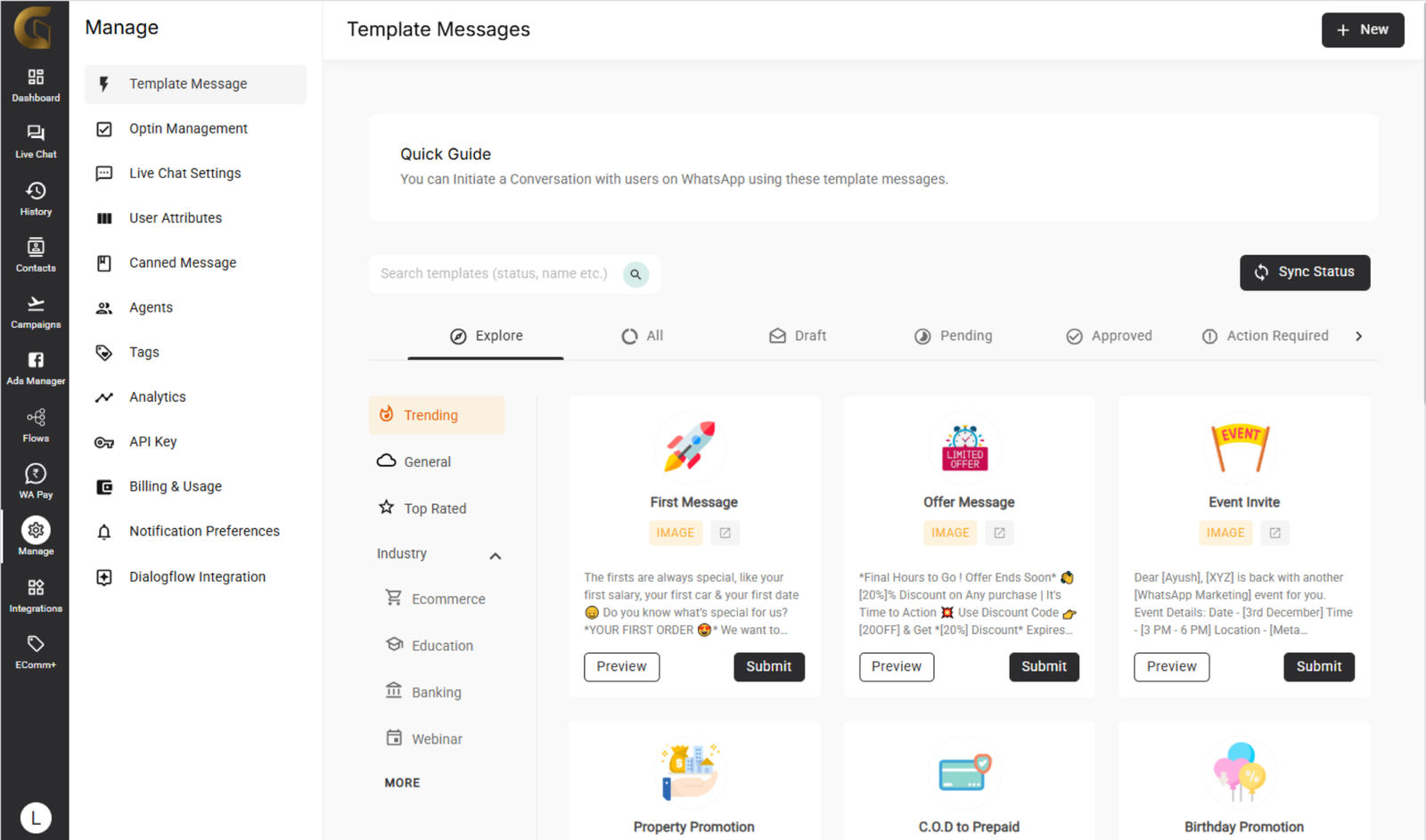
Use or Customize Ready Notification Flows

Access GiHub’s built-in notification templates for carts, orders, feedback, agent handovers, and reminders. Customize every line with variables, no coding needed. Start sending high-converting messages instantly with Meta-approved, pre-tested flows.

Get access to our template library for free

Who Should Apply?

Blue Tick is Ideal for These Business Categories

Whether you’re in ecommerce, finance, education or healthcare. Your verified badge boosts trust, removes doubt, and increases conversion rates instantly. Below are some industries where the Blue Tick makes a powerful difference.

NGOs & Foundations

Verified badge builds donor trust, enhances transparency, boosts engagement and impact-driven fundraising communications.

Healthcare Providers

Verification reassures patients about authenticity, compliance, and safe communications, crucial in telemedicine, and consultations.

Marketing Agencies

Strengthen client trust by showcasing verified messaging, ensuring campaign offers and branding are genuinely from your agency.

Ecommerce Brands

Verified badge builds instant trust, reduces cart abandonment, and increases online conversions by confirming your business is genuine and secure.

Real Estate

Verified badge builds buyer confidence, confirms agency authenticity, and increases lead conversion for listings, rentals, and site visit bookings.

Educational Institutes

Parents and students gain confidence engaging with verified institutions, enhancing your brand's professionalism and reducing inquiries about legitimacy.

Eligibility Criteria

Verification Checklist You Must Meet

These are the essential criteria you must fulfill to qualify for the WhatsApp Blue Tick.

Get Verified

How to Apply for WhatsApp
Blue Tick with GiHub

Apply in minutes through GiHub, a simple, guided process to get your WhatsApp Business verified with a Blue Tick.

Use the GiHub dashboard to get started with the official WhatsApp Business API.

Once approved, visit your dashboard and click on “Apply for Blue Tick.”

Submit your company details carefully in the application form. We share these with Meta for review.

Meta reviews your application and responds within 7–10 business days.

Where to Use WhatsApp Links

Share your WhatsApp link across multiple platforms to capture leads and boost support.

subtitle

Built-In Billing

subtitle

Everything You Need to Get Paid on WhatsApp

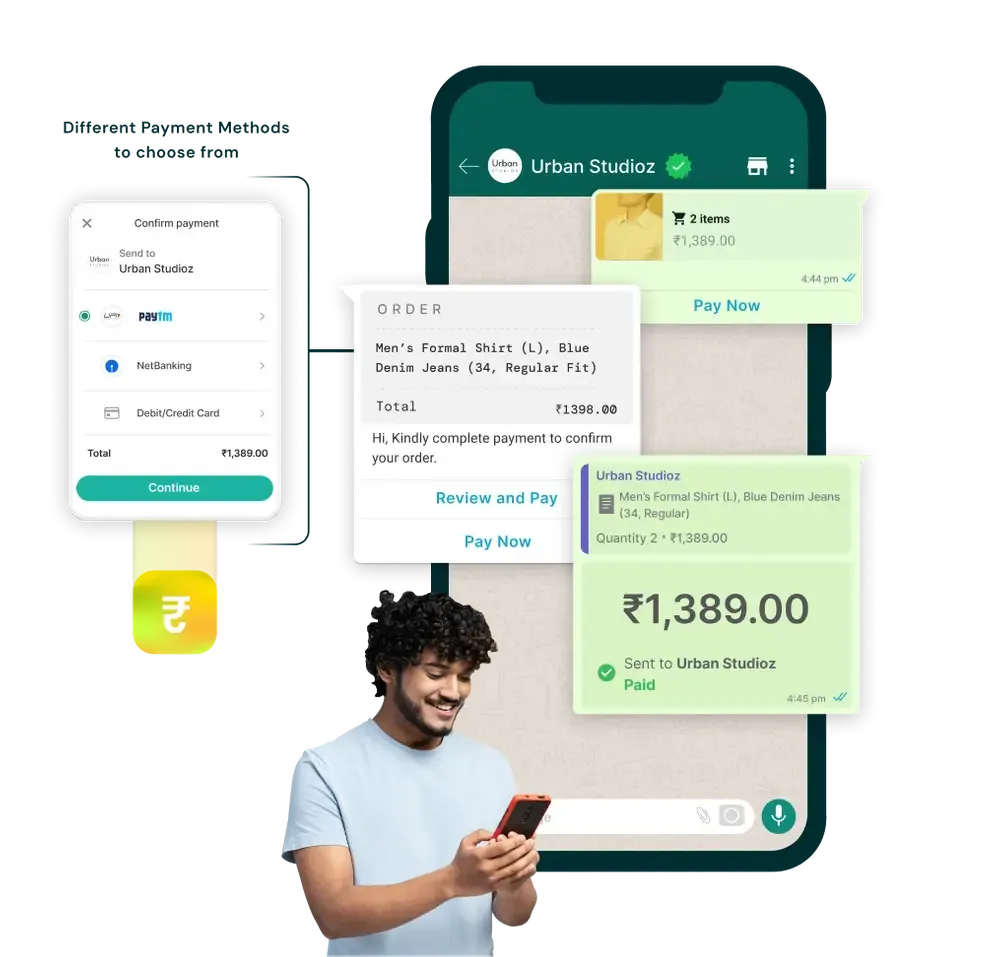
Seamlessly manage, send, and track payments directly within GiHub’s live chat or chatbot automation flows.

Send Payment Links in Chat

Easily share payment links in live chats or chatbot replies to collect instantly via WhatsApp.
Smart Payment Tracking

Track paid, pending, and failed transactions in real time, auto-trigger follow-ups based on status.
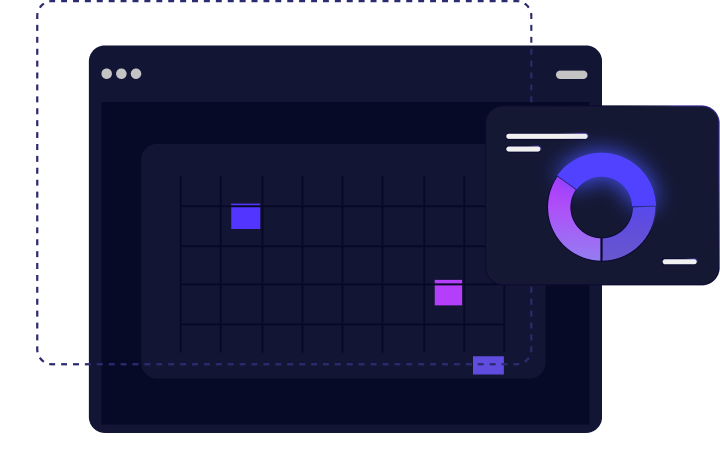
View Status from Profiles

Check payment history and order value for every user right inside their profile timeline.

Unified Payment Dashboard

View and manage all WhatsApp payments in one place, sorted by amount, user, or time.
Payment Gateway Integrations

Connect Razorpay, PayU, ZaakPay and more, without coding or switching tabs.

subtitle

Need Help?

subtitle

Common Questions About
Notifications

Everything you need to know before sending your first automated WhatsApp alert.

Yes, GiHub lets you automate alerts based on user actions, chatbot replies, or API triggers — no manual effort needed.

No. You can configure frequency, timing, and user preferences to avoid spamming and ensure a smooth experience.

Absolutely. Use dynamic fields like name, product, or payment details to create hyper-relevant messages.

Yes. Team members can receive internal alerts for new leads, replies, escalations, or chat assignments.

All templates follow Meta guidelines. You can use pre-approved templates or submit new ones via GiHub’s dashboard.

Notifications are sent instantly after the trigger is activated usually within 1–3 seconds.

Yes, GiHub shows message delivery, read receipts, click-throughs, and response metrics in one dashboard.

Yes. WhatsApp charges per conversation. GiHub allows budgeting, cost tracking, and plan optimization.

Yes. You can also send reminders, promotions, feedback requests, or nurture flows.

Not at all. GiHub uses a no-code builder so you can automate and customize without any technical background.

Start Sending Smarter
Alerts Today

Reach customers faster with automated WhatsApp notifications that convert.